June: New W-9 upload and edit proposal features

Brokers can easily edit pricing plans, add-ons, and calculations for products in draft or pending proposals on the Review Proposal page. Additionally, they can terminate/reactivate dependents from the Employee Profile - Dependents tab, access the W-9 form requirement in the Broker Profile Edit section, and mute SFTP email notifications for each connected company individually.
Edit Plan/Pricing and more actions from Review Proposal
PROPOSALS
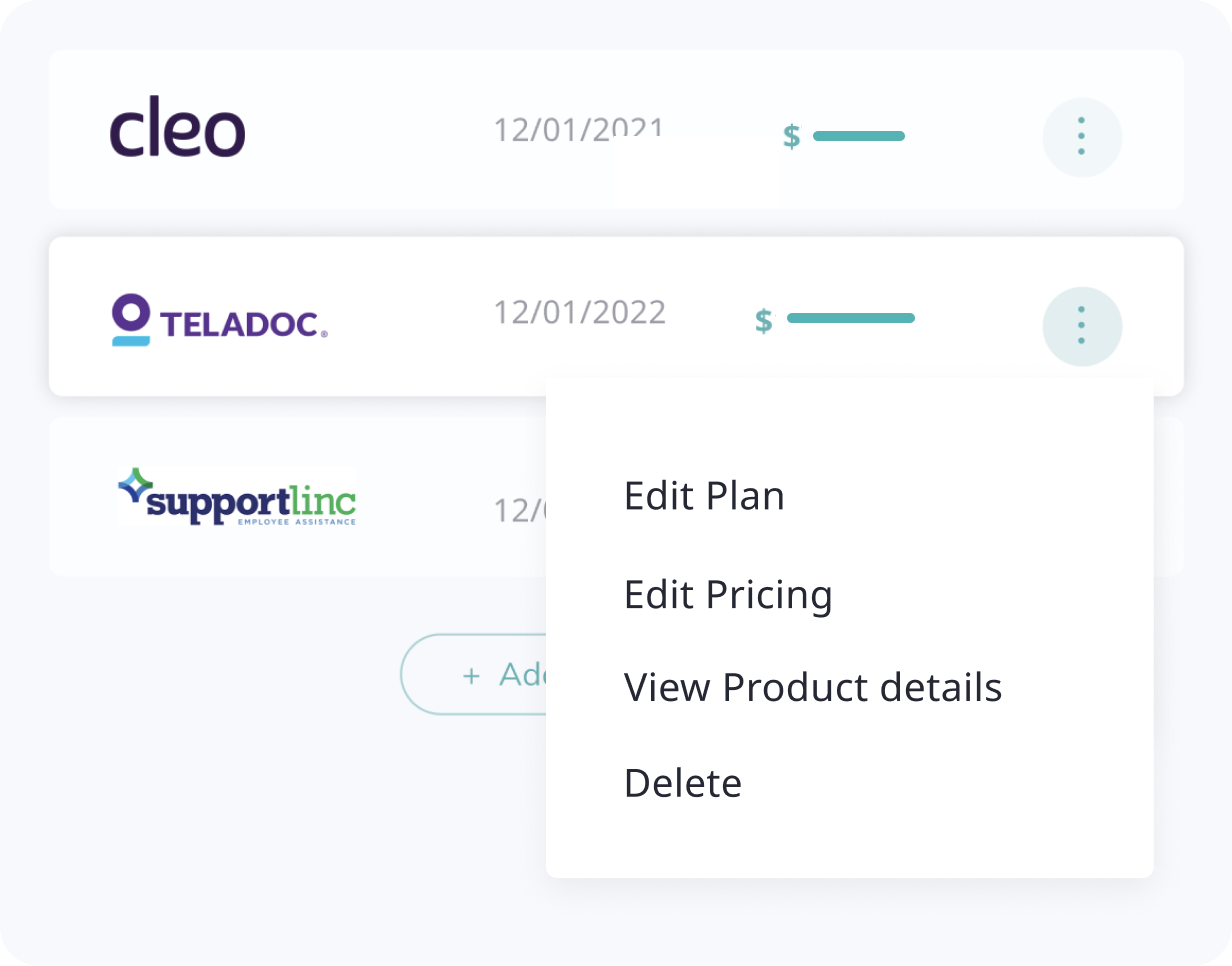
Brokers can easily edit pricing plans, add-ons, and calculations for all products in a draft or pending proposal on the Review Proposal page. The Edit Plan option allows you to make changes to the chosen options, with highlights on previously selected choices.
If you need to adjust the pricing specifically, the Edit Pricing option will take you back to the Calculations page for the selected product.
You can access additional information through the View Product details option in the dropdown action menu on the product tile.
Select the Delete option to remove a single product from the list.
Modify the Primary Contact on “Pending” proposals
PROPOSALS
Brokers can easily resend an invitation to a new Primary Contact on Proposals with a 'Pending' status. Open the "Contacts" tab on the Proposal details page, click the "Edit" button, and update the contact.
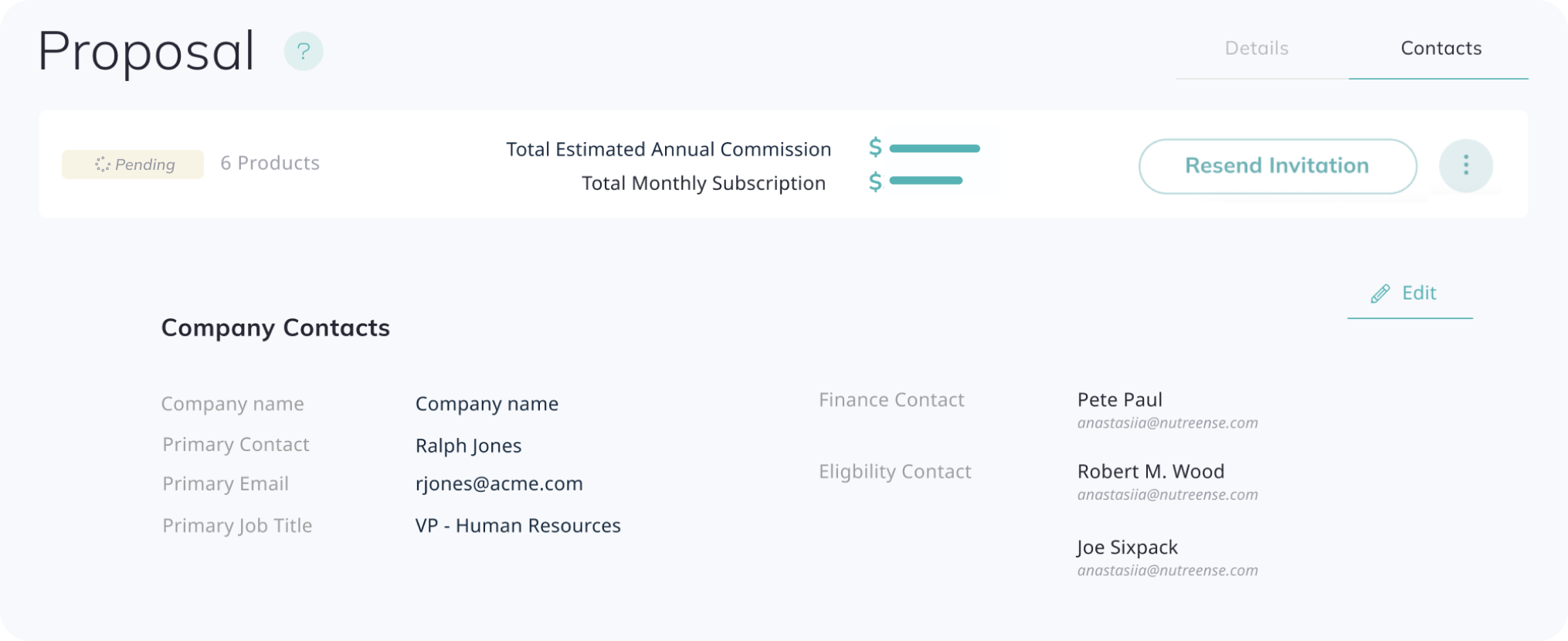
Please note: Saving changes with a new Primary contact will automatically send a new invitation email to the new person. The previous contact will no longer have access to this proposal anymore.
W-9 form requirement
PROFILE
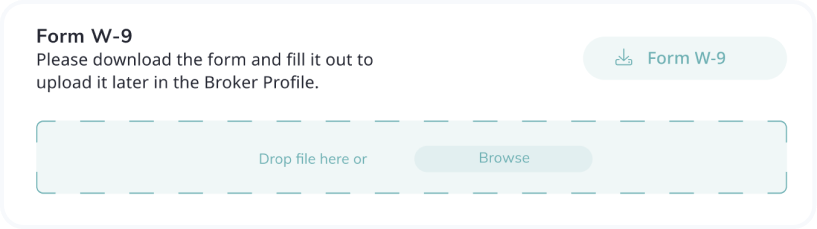
To receive commissions, all brokers must fill out and upload an IRS W-9 form who haven’t already done so. The form template and a file dropzone are available under the Broker Profile in edit mode.
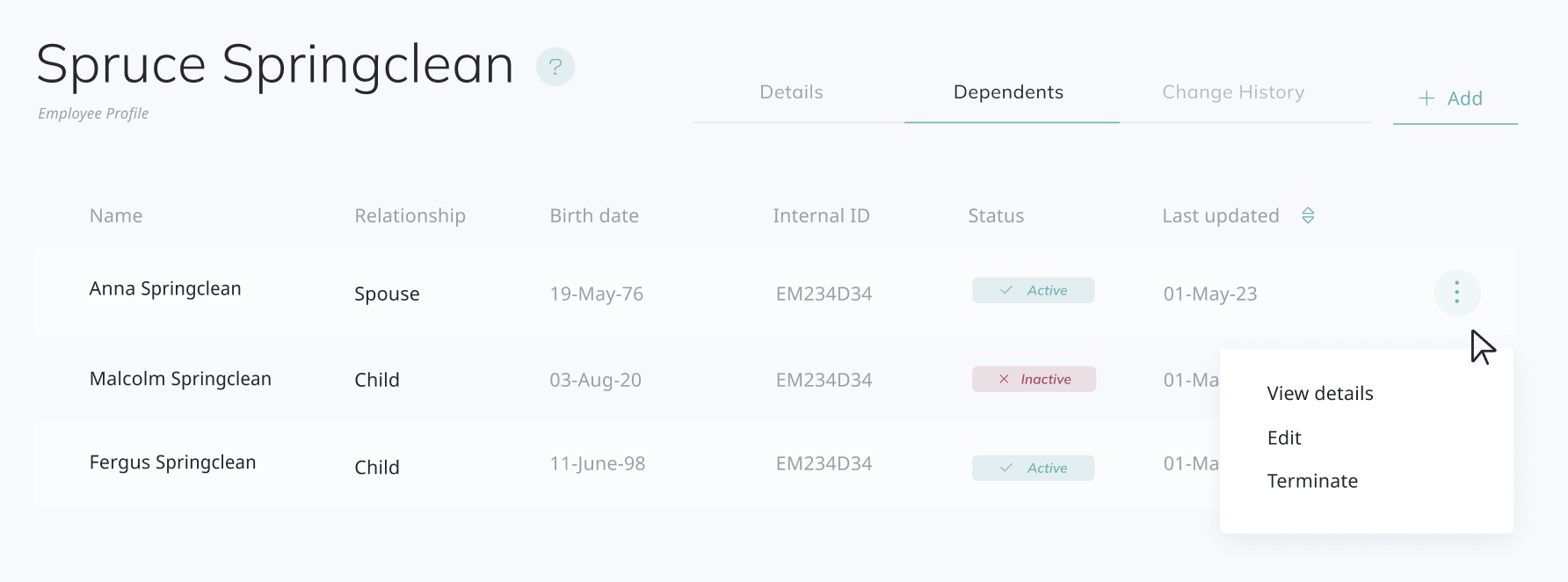
Dependents terminate/reactivate feature
USERS
You can now terminate/reactivate dependents from the table view under the Employee Profile - Dependents tab. The dependent status will be changed to “Inactive,” and they cannot use the benefit.
Please note: After you add dependents, all the dependents will be automatically enrolled in Vivante, Lionrock, and/or DaisyRx benefits if the Employer is registered for these services. We currently do not sync dependents with the provider for other services (e.g., Teladoc), but the subscriber can easily add them through the provider's website.
Dependents CSV upload
USERS
Simply include the dependent details within the CSV file, ensuring the Member ID matches that of the primary employee for seamless association.
Leave the Dependent ID field empty to create a new record or reuse it to update existing dependents. Specify the relationship as 'Spouse' or 'Child,' and if the address is the same as the primary employee, there's no need to fill it in.
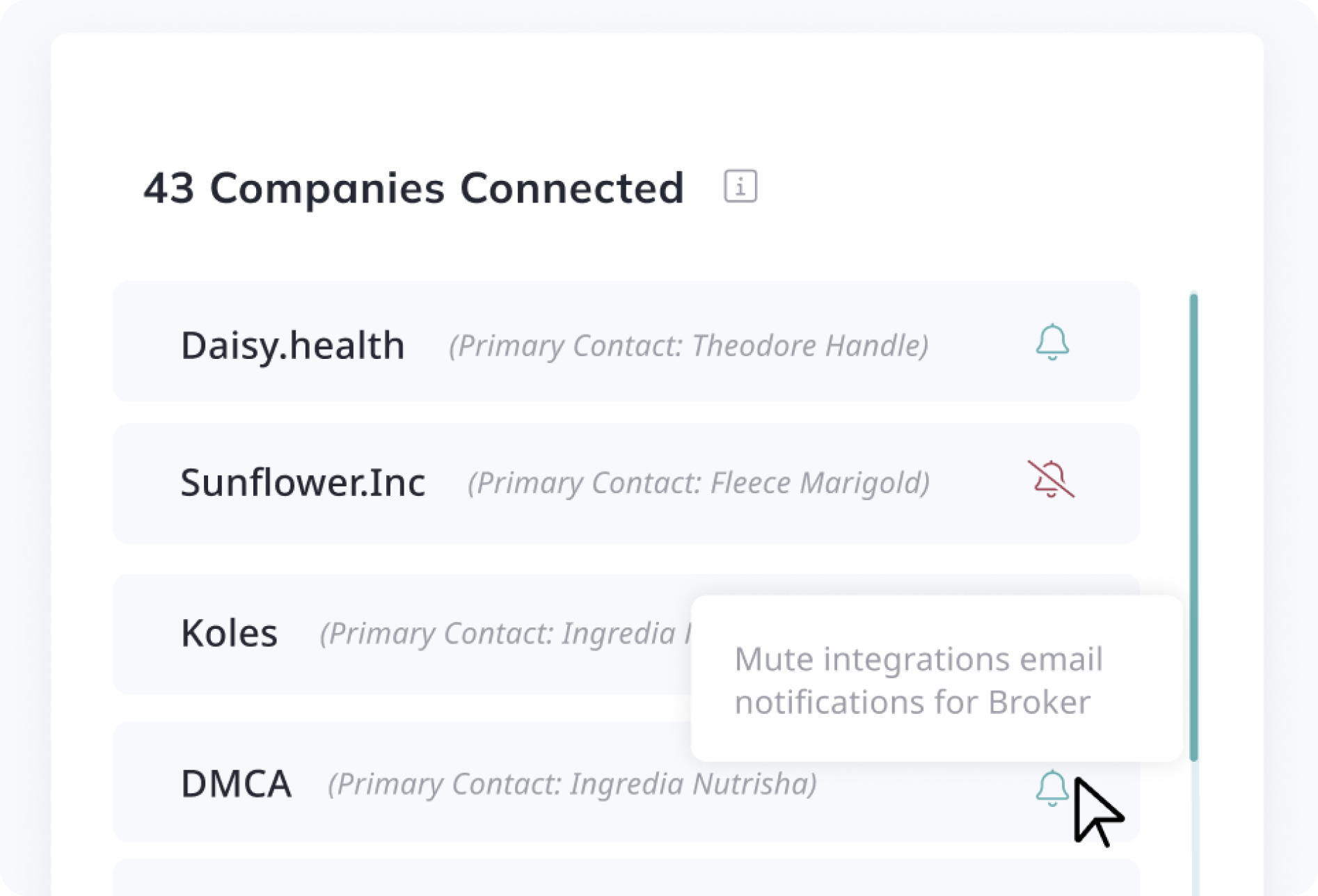
Mute SFTP email notifications
USERS
You can mute CC email messages for each broker-connected company individually. This means brokers will no longer receive SFTP failure/success notifications. However, the company's representative will still receive these messages. If the employer company does not have a company representative, the brokers assigned to that company will still receive emails despite this setting. Please update the primary contact to mute integration emails in concert with this setting.